When a form sends its emails incorrectly, enquiries are lost without anyone noticing. We explain why it happens and how we fixed it on the OleoEco website.
A contact form can work perfectly for the visitor and still fail on the other side. The person fills in their details, sees the confirmation message and waits for a reply that never comes.
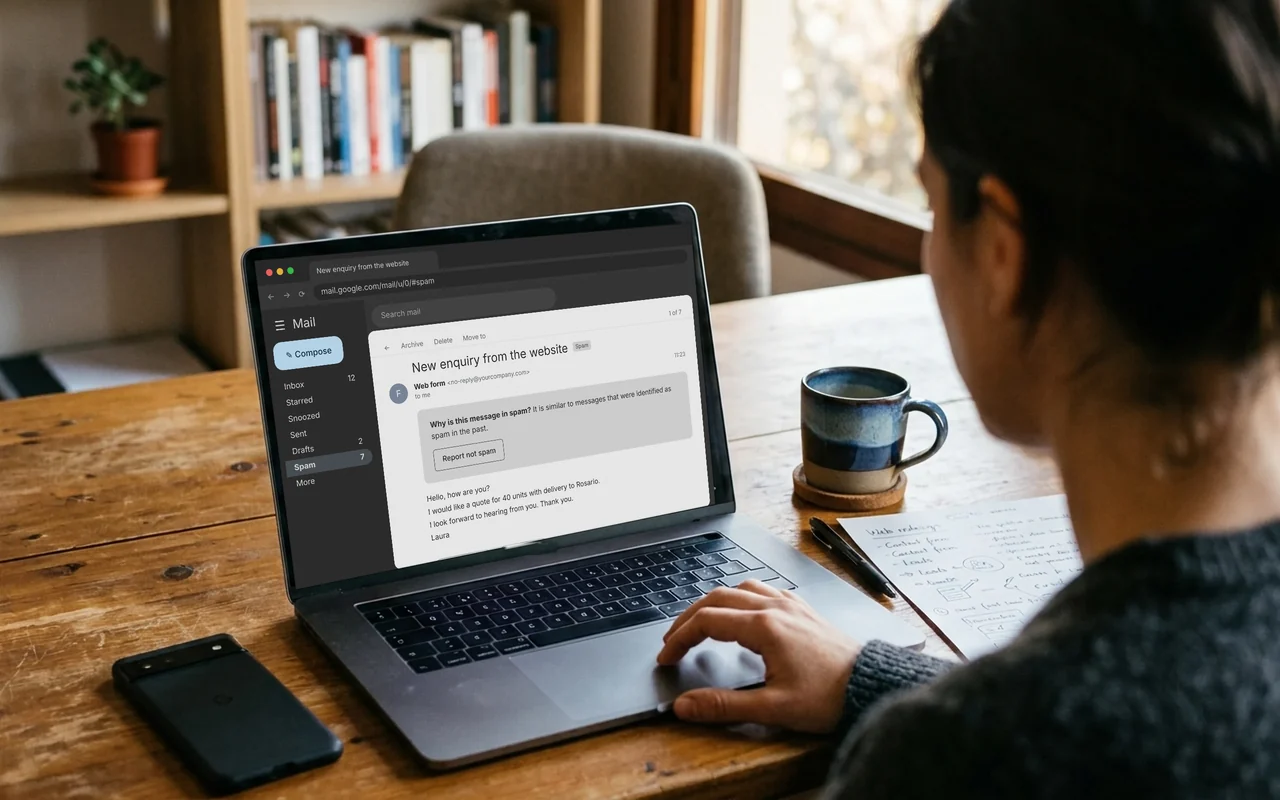
This was happening to OleoEco, an olive oil producer in San Juan, Argentina, that sells mainly abroad. Its enquiries were ending up in spam or not arriving at all. For an exporter, every lost enquiry can be a lost buyer.
Why it happens
Many websites send form emails directly from the web server, without authenticating. The message claims to come from your domain, but it leaves a server your domain never authorised.
Gmail, Outlook and the other providers see that pattern every day in fraudulent emails, so they send it to spam or reject it. These are the most common causes:
No authenticated SMTP. The server sends the email without the username and password of a real account.
No SPF. The domain does not publish which servers may send email on its behalf.
No DKIM. The message carries no signature proving that it came from your domain and that nobody altered it.
No DMARC. The provider does not know what to do with messages that fail the other two checks.
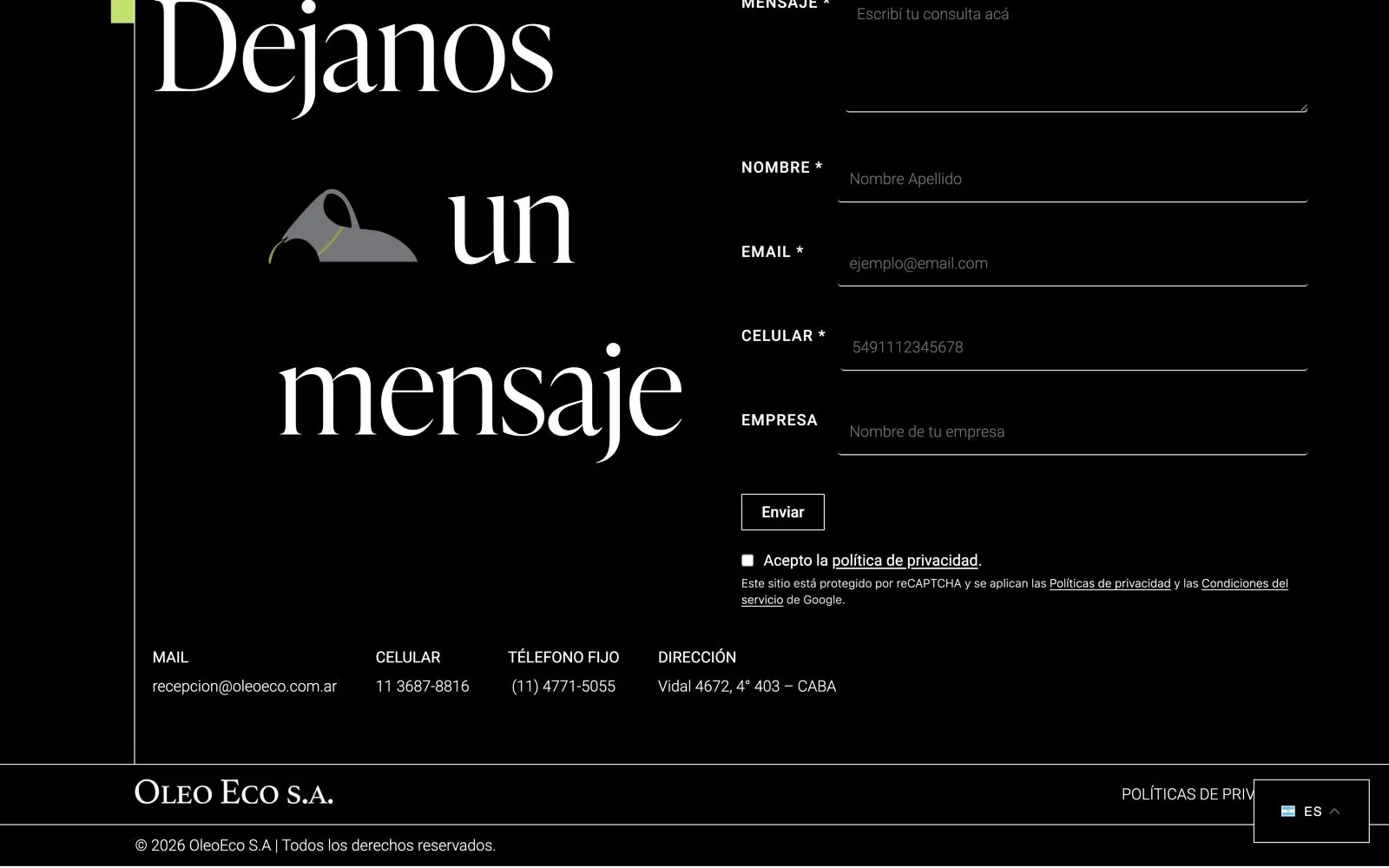
The contact form on the OleoEco website.
What we changed
First, we set up sending through authenticated SMTP, using an account on the company’s own domain. Each enquiry now leaves a real mail server, with its own username and password.
We then added SPF, DKIM and DMARC records to the domain’s DNS. SPF authorises the mail server, DKIM signs each message and DMARC tells the provider how to treat anything that fails those checks.
An easily overlooked detail. The sender of the email must be an address on your own domain. If the form uses the visitor’s email as the sender, the provider treats it as spoofing. The visitor’s email belongs in the Reply-To field, so you can answer them with a single click.
The spam that gets in
The other side of the problem is bots that fill in forms automatically. The OleoEco website uses Google reCAPTCHA, which analyses how each visitor behaves and blocks automated submissions.
Visitors do not have to solve anything. They only see a short notice below the form.
How to tell if it is happening to you
You can check in ten minutes, without touching anything on your website:
Send a test enquiry from your form to a Gmail inbox and to an Outlook inbox. Check whether it lands in the inbox or in spam.
In Gmail, open the email you received, choose ‘Show original’ and check whether SPF, DKIM and DMARC say PASS.
Check the spam folder of the inbox that receives the website’s enquiries.
If your website is receiving fewer enquiries than before for no clear reason, check the forms before you check the campaigns.
Since the change, OleoEco has not lost another enquiry.
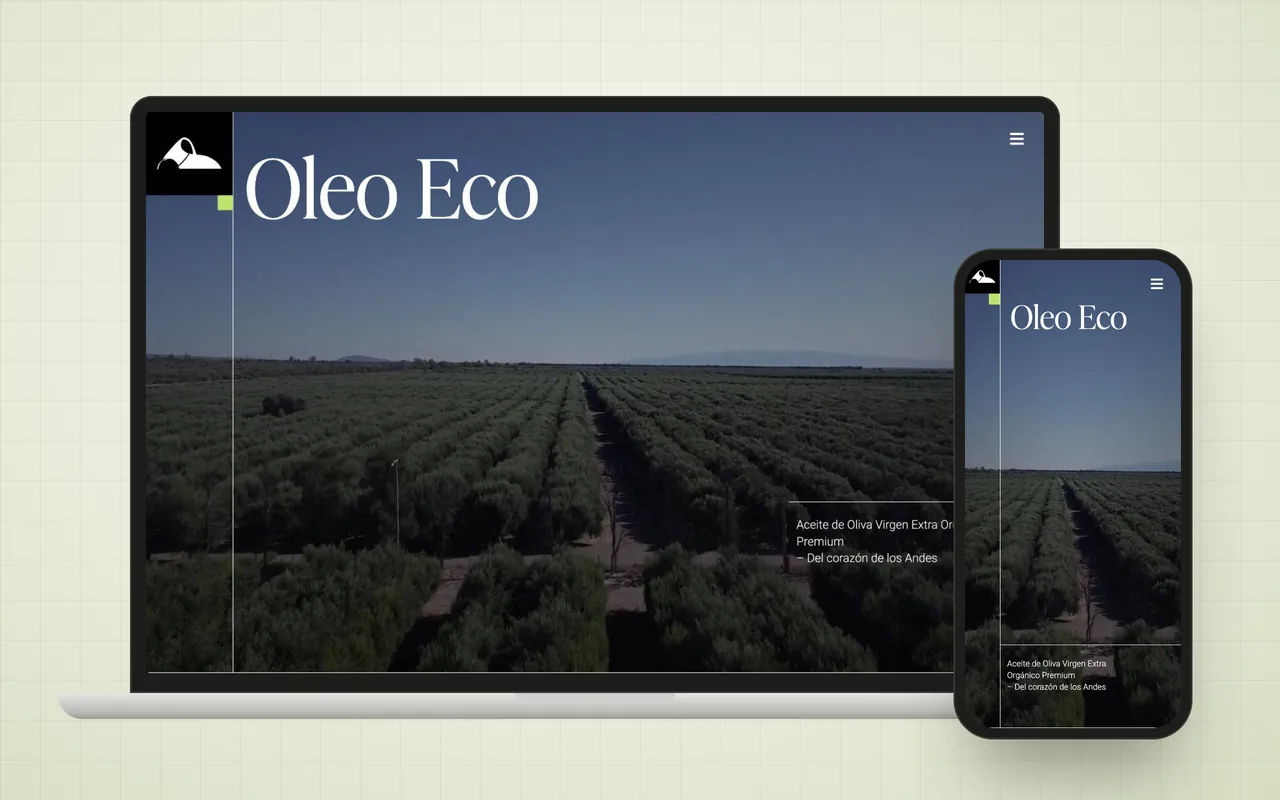 ProjectOleoEco S.A.From the desert of San Juan to the most demanding markets.View the project

 Joaquín Martinez Herrera 2 min read